Orbit gives you full control over your data — including the ability to permanently delete it. Both site-wide deletion and individual user account deletion are available.
Site Deletion
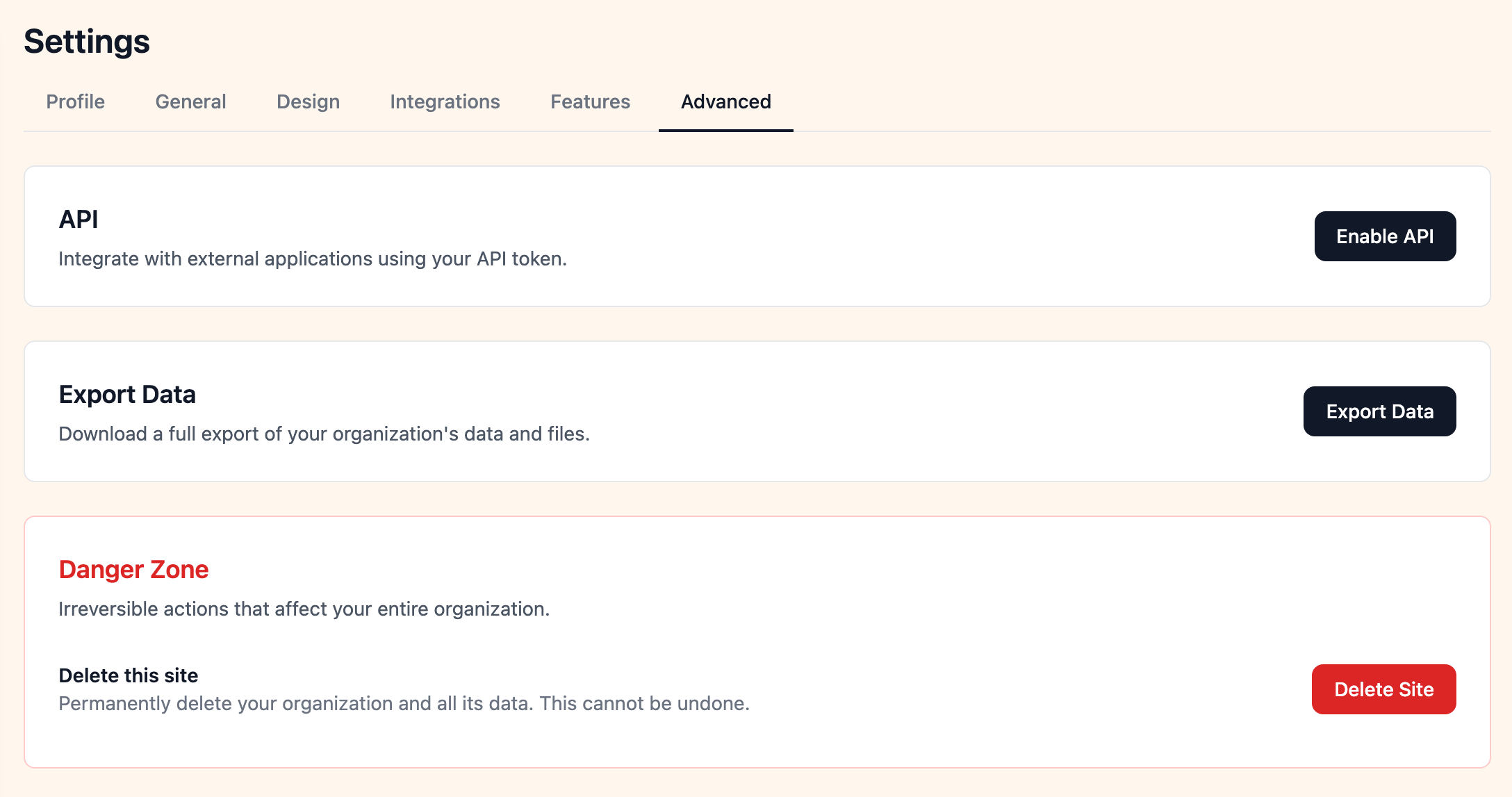
You can permanently delete your entire site from Settings > Advanced. This removes:
- All data across every feature (memberships, events, courses, resources, announcements, directory, mail, and more)
- All uploaded files, images, and attachments
- All user accounts and their associated data
This action is permanent and immediate. Once confirmed, there is no way to undo it. We require explicit confirmation before the deletion is processed.
If you'd like to keep a copy of your data before deleting, use the full site export first.
User Account Deletion
Individual users can delete their own account from their account settings page. This removes their profile, membership records, and associated content from the platform.
This action is permanent and immediate. Once the user confirms, their account and data are deleted and cannot be recovered.